Pour intégrer Chatwoot à votre application Vue.js, vous devez coller le script du widget Chatwoot dans le fichier `index.html` de votre application Vue.js.
Voici comment procéder :
## Étape 1. Récupérez votre script de widget[](https://www.chatwoot.com/docs/product/channels/live-chat/integrations/vue#1-get-your-widget-script "Direct link to heading")
Votre script de widget se trouve dans les paramètres de votre boîte de réception du site web. Allez dans Paramètres -> Boîtes de réception -> Sélectionnez votre canal Site web > onglet `Configuration`.
Si vous n’avez pas encore créé de boîte de réception pour un site web, vous pouvez trouver les instructions détaillées [ici](https://www.chatwoot.com/hc/user-guide/articles/1677580558-website-live-chat-settings-explained).
## Étape 2. Copiez le script[****](https://www.chatwoot.com/docs/product/channels/live-chat/integrations/vue#2-copy-the-script "Direct link to heading")
Copiez le script qui a été créé dans le champ `code` du canal.
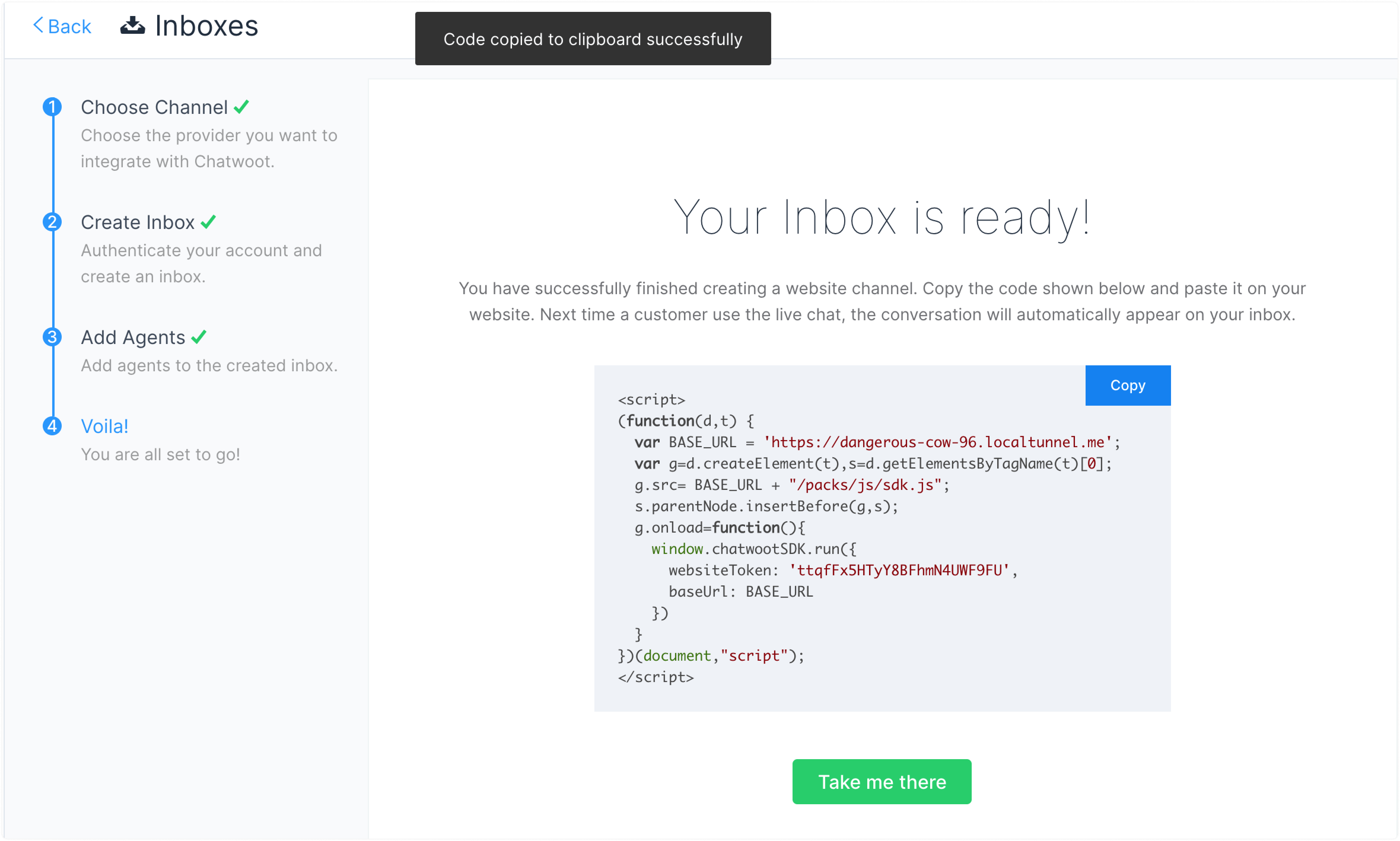
## Étape 3. Collez le script ici[](https://www.chatwoot.com/docs/product/channels/live-chat/integrations/vue#3-paste-the-script-here "Direct link to heading")
Ouvrez votre projet Vue et collez le script dans le fichier index.html, juste avant la balise de fermeture `
`.
```
```
## Étape 4. Vérifiez
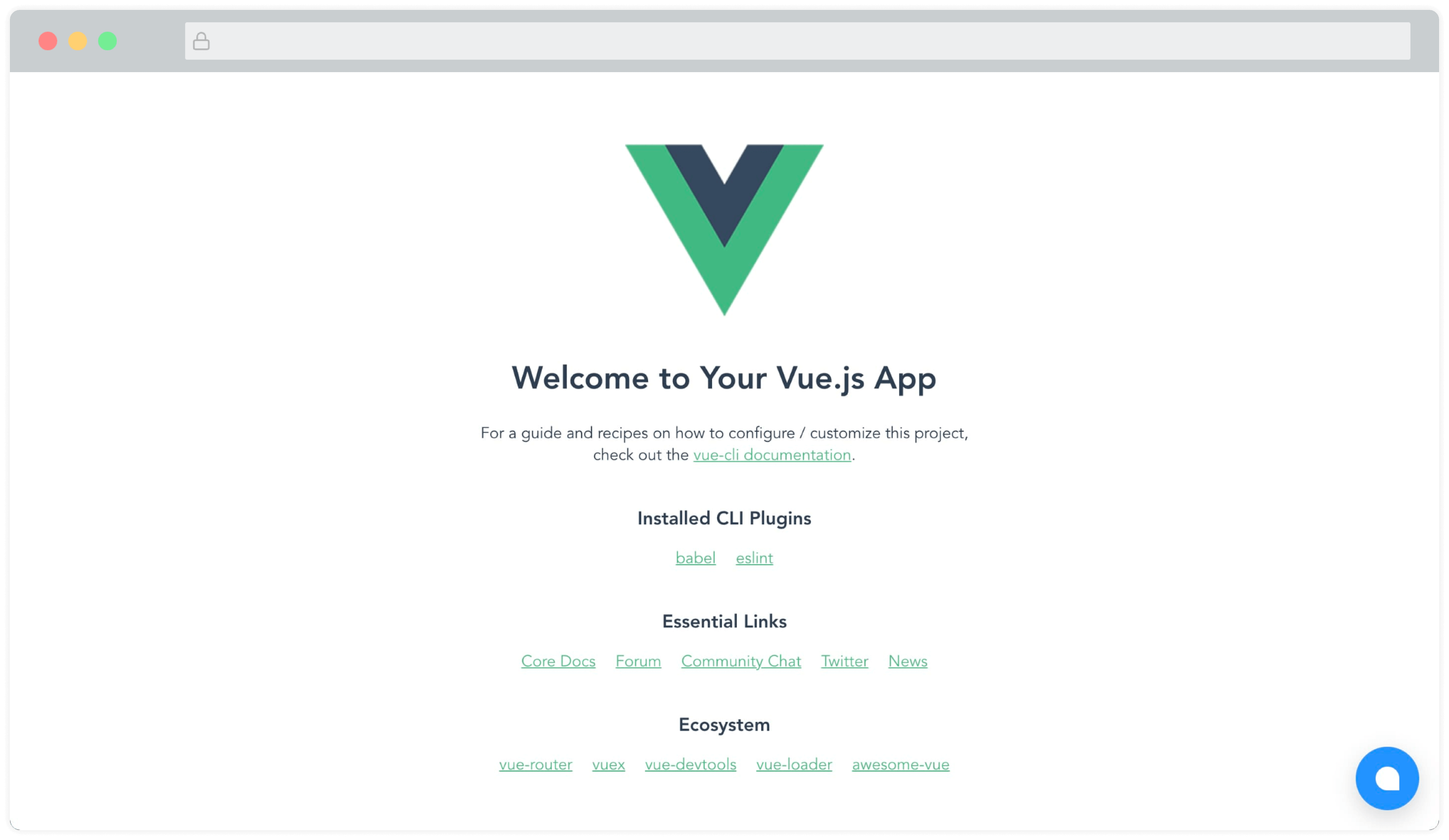
Vous pourrez maintenant voir le widget Chatwoot sur la page. Quelque chose comme ceci :
### Module Vue.js, Nuxt.js[](https://www.chatwoot.com/docs/product/channels/live-chat/integrations/vue#vuejs-nuxtjs-module "Direct link to heading")
Un module maintenu par la communauté (créé par la formidable équipe de [@huntersofbook](https://github.com/productdevbook/chatwoot)) est disponible pour intégrer Chatwoot dans vos projets Vue 3 et Nuxt 3. Vous pouvez voir une [démo ici](http://vue-chatwoot-plugin.vercel.app/).
* Voir le [module Vue 3](https://github.com/productdevbook/chatwoot/tree/main/demo/vue3).
* Voir le [module Nuxt 3](https://github.com/productdevbook/chatwoot/tree/main/demo/nuxt3).